
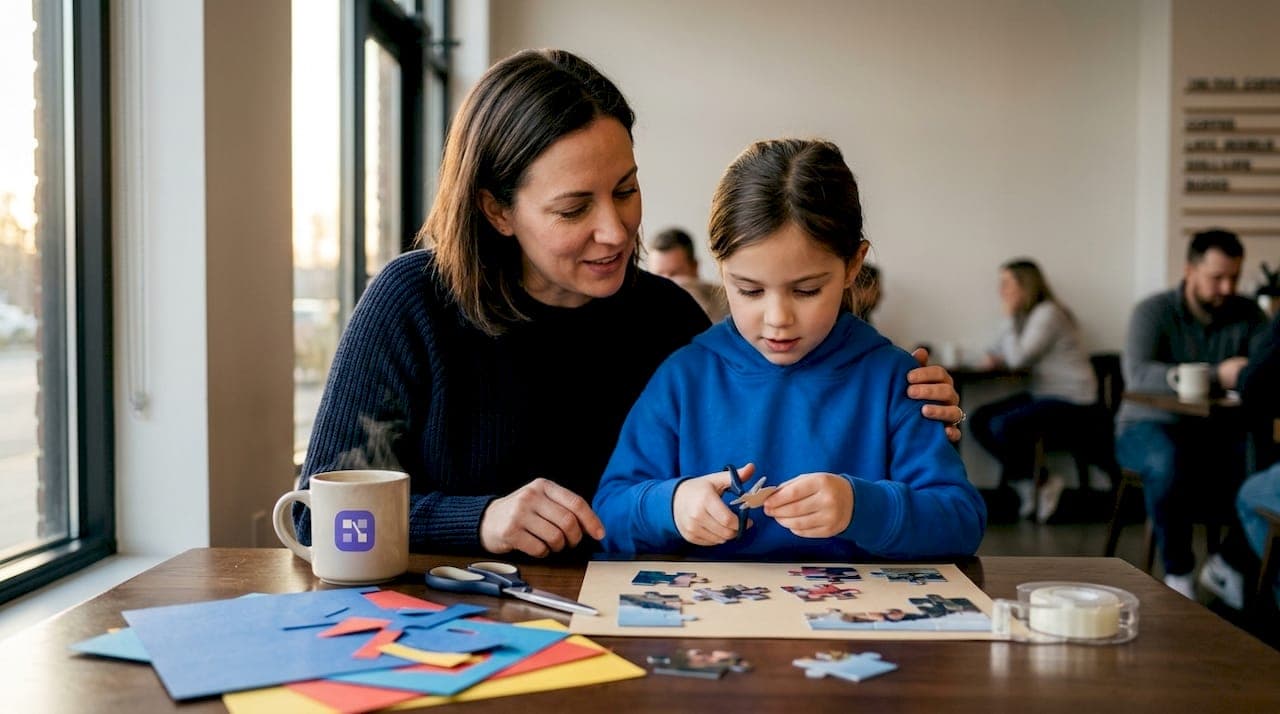
Finding a gift that feels genuinely personal is harder than it sounds. You want something thoughtful, not just another candle or gift card. That's exactly where the practice of making custom puzzle gifts comes in. When you create printable puzzle gift ideas from scratch, you turn a photo, a message, or a shared memory into something the recipient actually engages with. This guide covers everything you need: the right tools, printable puzzle templates, step-by-step methods for photo jigsaws and logic puzzles, and tips for using a Cricut machine to produce polished, physical results.
Table of Contents
- Key takeaways
- How to create printable puzzle gift ideas: tools and supplies
- Making photo jigsaw puzzles step by step
- Logic puzzles as personalized gifts
- Using Cricut machines for physical puzzle gifts
- Troubleshooting and best practices
- My take on printable puzzle gifts
- Make your next puzzle gift with Puzzlemaker
- FAQ
Key takeaways
| Point | Details |
|---|---|
| Start with the right resolution | Use images at 300 DPI to get clean, sharp photo puzzle prints every time. |
| Match the puzzle type to the person | Photo jigsaws suit sentimental occasions; logic puzzles like nonograms work well for puzzle enthusiasts. |
| Cricut machines raise the quality bar | Chipboard and printable vinyl cut with a fine-point blade produce durable, professional-looking pieces. |
| Free tools reduce cost and time | Browser-based generators let you skip printing services and create puzzles at home without a login. |
| Packaging completes the gift | A personalized box or booklet format turns a printed puzzle into a keepsake worth saving. |
How to create printable puzzle gift ideas: tools and supplies
Before you print a single piece, you need the right setup. The good news is that you do not need expensive equipment to get solid results. What you need depends on the puzzle method you choose.
For physical DIY puzzle gifts, the core materials are:
- A photo-quality inkjet or laser printer
- Cardstock or chipboard (at least 65 lb for rigidity)
- A craft knife or cutting mat, or a Cricut machine for precision cuts
- Adhesive spray or a laminator for durability
- Printable vinyl if you want a smooth, wipeable surface
On the digital side, you need an image editor to prepare your photo (free tools like GIMP or Canva work fine), a puzzle generator to create the cut lines, and a PDF viewer for downloading your final template. Puzzlemaker's free generators cover multiple formats including jigsaws, word searches, and crosswords, all without requiring an account.
Pro Tip: Always design your puzzle at the final physical dimensions from the start. Scaling up after the fact distorts cut lines and throws off alignment between your printed image and the cutting template.
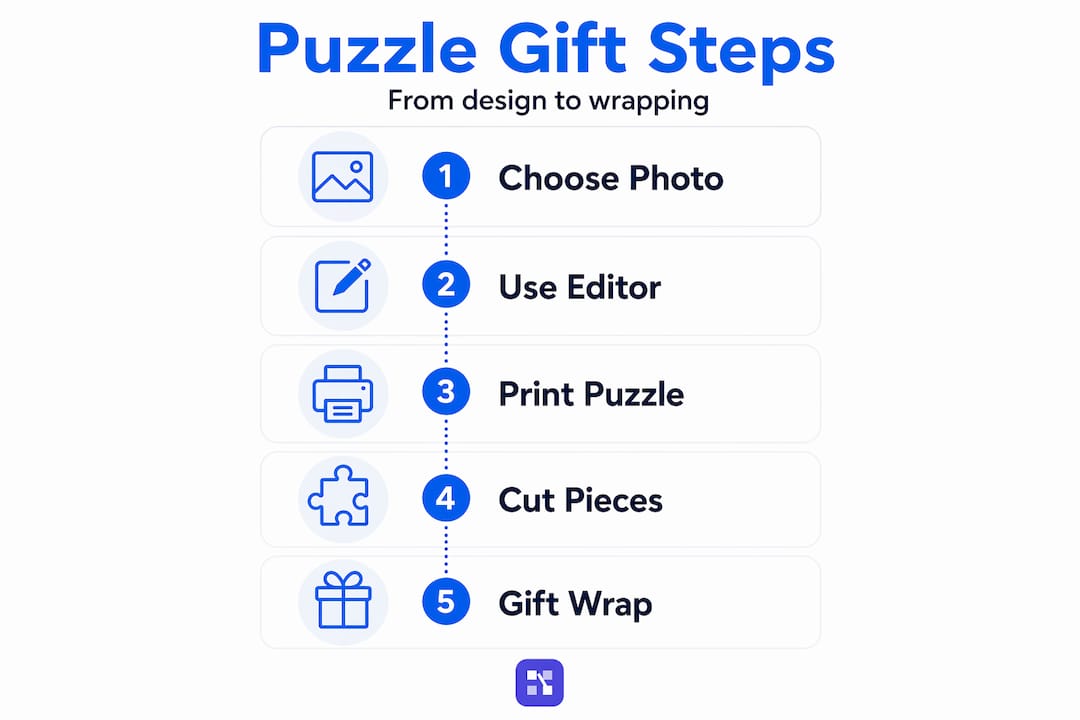
For photo puzzles specifically, image resolution matters more than almost any other factor. A 300 DPI image at your target print size will produce crisp, clean edges. Anything below 150 DPI will look blurry once printed and cut.
| Tool | Purpose | Free option available? |
|---|---|---|
| Inkjet printer | Print photo or puzzle image | Use home printer |
| Cricut Explore or Maker | Precision cutting of puzzle pieces | No (machine required) |
| Puzzle generator | Create cut line templates | Yes |
| Image editor | Crop, resize, adjust photos | Yes (Canva, GIMP) |
| Cardstock or chipboard | Puzzle base material | Buy at craft stores |
Making photo jigsaw puzzles step by step
Photo-based jigsaw puzzles are the most popular form of personalized puzzle designs, and for good reason. They are accessible, visually striking, and deeply personal. Here is how to make one from start to finish.
- Choose and prepare your photo. Pick an image with strong contrast and a clear subject. Crop it to your intended puzzle dimensions and check that no important details sit near the edges, since cutting can trim 3 to 5mm from the border. Keeping key elements away from the bleed zone prevents cropping faces or text.
- Set your resolution. Export or save the image at 300 DPI at the exact print size. A 5x7 inch puzzle needs a 1500x2100 pixel image minimum.
- Generate your puzzle template. Use a browser-based tool like the VectorWitch Puzzle Generator to upload your image, set piece count, and export either an SVG for cutting or a PNG for printing. No signup is needed, and you can adjust difficulty on the fly.
- Print your puzzle. Print on cardstock or photo paper. If you want extra durability, laminate the printed sheet before cutting.
- Cut your pieces. Use scissors for simple shapes, a craft knife and ruler for straight-edge puzzles, or a Cricut machine for interlocking jigsaw cuts. For laser cutters, color-code your paths correctly: black fill for engraving, red hairline stroke for cut lines.
- Package and present. Place pieces in a kraft box, a small tin, or a resealable bag with a personalized label.
Pro Tip: Print a test sheet on plain paper first. Check that the cut lines align with your image before using your good cardstock. This saves material and catches scaling errors early.
| Method | Cost | Skill level | Best for |
|---|---|---|---|
| Home printer + craft knife | Low | Beginner | Simple shapes, small batches |
| Home printer + Cricut | Medium | Intermediate | Interlocking pieces, clean edges |
| Laser cutter | Medium to high | Advanced | High volume, precise cuts |
| Online printing service | Medium | Beginner | No cutting required |
The Ravensburger 300-piece photo puzzle is a good benchmark for quality. It ships with a personalized box message up to 40 characters long. If you want that level of polish at home, focus on packaging as much as the puzzle itself. Personalized packaging transforms a printed sheet into a keepsake.
Logic puzzles as personalized gifts
Photo jigsaws get most of the attention, but logic puzzles make genuinely surprising and thoughtful DIY puzzle gifts. Nonograms are a strong example. A nonogram uses number clues along rows and columns to guide the solver in filling a grid, revealing a pixel art image when complete. You can theme the final image around the recipient's interests, a pet, a hobby, or a favorite place.
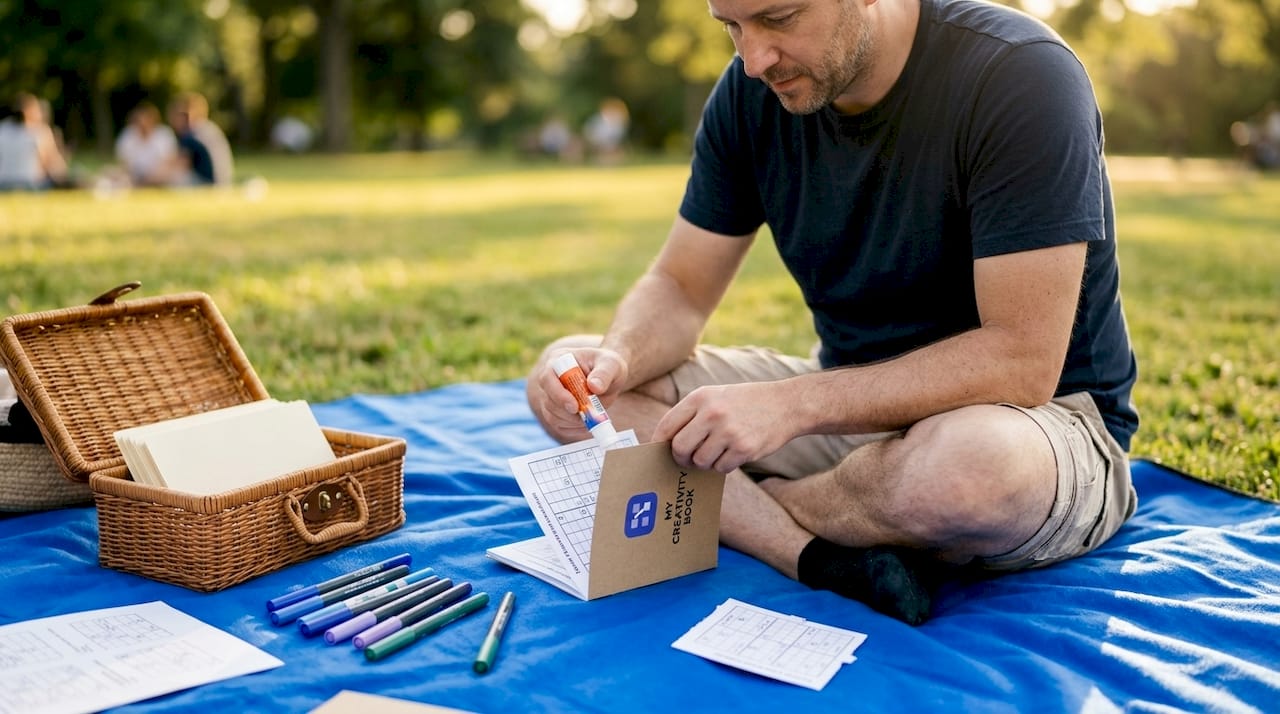
Sites like smallworldpuzzles.com offer free printable nonogram PDFs with answer keys. A 15x20 grid is manageable for most adults and takes 20 to 40 minutes to solve, which makes it a satisfying but not overwhelming gift.
Beyond nonograms, consider these logic puzzle formats for custom puzzle gift ideas:
- Crosswords built around inside jokes, shared memories, or the recipient's favorite things
- Word searches themed to a vacation, a TV show, or a family reunion
- Sudoku grids printed on decorative paper for a clean, minimal gift
- Cryptograms encoding a personal message the recipient has to decode
Logic-based puzzles suit all ages and require no cutting or special equipment. You print, fold, and gift. That simplicity makes them ideal for last-minute occasions or mailing to someone far away.
To make a logic puzzle feel like a real gift rather than a printout, present it well. Bind several puzzles into a small booklet with a cardstock cover. Print on cream or parchment-toned paper for a warmer look. Add a personal note on the inside cover explaining why you chose the theme.
Pro Tip: Use Puzzlemaker's crossword generator to build a crossword where every answer is a word meaningful to the recipient. The clues become the storytelling device.
Using Cricut machines for physical puzzle gifts
A Cricut machine takes your puzzle gift creation from "homemade" to "handcrafted." The difference is precision. Cricut cuts along exact vector paths, which means every piece fits together cleanly, even with complex interlocking shapes.
Here is the process for a Cricut-cut puzzle:
- Download a free SVG puzzle template. Abbi Kirsten Collections offers free Cricut puzzle templates in rectangle and heart shapes, available with a free signup. These include tutorials and material recommendations.
- Print your image on printable vinyl. Load the vinyl into your printer and print your photo or design. Let it dry fully before moving to the next step.
- Adhere the vinyl to chipboard. Smooth out any bubbles and let the adhesive set for at least 10 minutes.
- Load into Cricut and cut. Use a fine-point blade and set the material to chipboard. Run a test cut on a scrap piece first to confirm depth and pressure.
- Weed and separate the pieces. Remove the cut pieces carefully. Clean up any rough edges with a bone folder or light sandpaper.
The most common mistake crafters make is using paper instead of chipboard. Paper pieces bend, tear at the tabs, and feel flimsy. Cricut chipboard with printable vinyl layered on top produces pieces that hold their shape and feel satisfying to handle. Material thickness also matters: if the chipboard is too thick, the blade will not cut cleanly through in one pass.
Pro Tip: Run two passes on chipboard rather than increasing blade pressure. Two lighter passes produce cleaner edges than one heavy cut, which can drag and distort the material.
Troubleshooting and best practices
Even experienced crafters run into problems with puzzle gift creation. Here are the most common issues and how to fix them.
- Blurry print: The source image was too low in resolution. Always check DPI before printing. A 4x6 inch puzzle needs at least a 1200x1800 pixel image.
- Misaligned cuts: The print shifted during loading. Use registration marks on your template and align them carefully before cutting.
- Pieces that do not fit together: The cut template was scaled differently than the printed image. Always work at 100% scale in both your print and cut software.
- Fragile pieces: You used regular paper instead of cardstock or chipboard. Upgrade your base material.
- Dull colors: Your printer was set to draft mode. Switch to best or photo quality in print settings.
Before you finalize any puzzle, do a dry run. Print on plain paper, cut it out, and assemble it. This catches errors before you use your good materials.
| Puzzle type | Pros | Cons |
|---|---|---|
| Photo jigsaw (home printer) | Personal, low cost | Requires careful cutting |
| Cricut-cut puzzle | Precise, durable | Needs machine and materials |
| Logic puzzle booklet | No cutting, easy to mail | Less visual impact |
| Laser-cut puzzle | High precision, scalable | Higher cost, technical setup |
For packaging, a small kraft box with a printed label works for most puzzles. If you want something more special, print a custom box top showing the completed image, just like commercial puzzles. That single detail makes the gift feel finished and intentional.
Scale piece count to the recipient. A 25-piece puzzle works for children or a quick gift. A 100-piece puzzle suits most adults for a casual occasion. Go up to 300 pieces for someone who genuinely loves puzzles and has the time to sit with it.
My take on printable puzzle gifts
I've made a lot of handmade gifts over the years, and the ones that land best are always the ones that require the recipient to do something. A puzzle does that. It is not just looked at and set aside. It gets touched, worked through, and assembled piece by piece.
What I've learned from experimenting with different formats is that the logic puzzle route is underrated. Most people default to photo jigsaws, which are great, but a crossword built entirely around someone's life, their first car, their dog's name, the city where they met their partner, hits differently. The solving experience becomes a trip through shared memory.
I've also learned the hard way that material choice matters more than design. A beautiful photo printed on thin paper feels cheap. The same image on chipboard, cut cleanly with a Cricut, feels like something worth keeping. Spend the extra dollar on better materials. It shows.
The right tool makes the whole process faster and less frustrating. I've found that starting with a solid custom puzzle guide before touching any materials saves time and prevents the most common mistakes.
— Dylan
Make your next puzzle gift with Puzzlemaker
If you want to skip the trial-and-error phase and get straight to creating, Puzzlemaker has the tools to make it fast and straightforward.
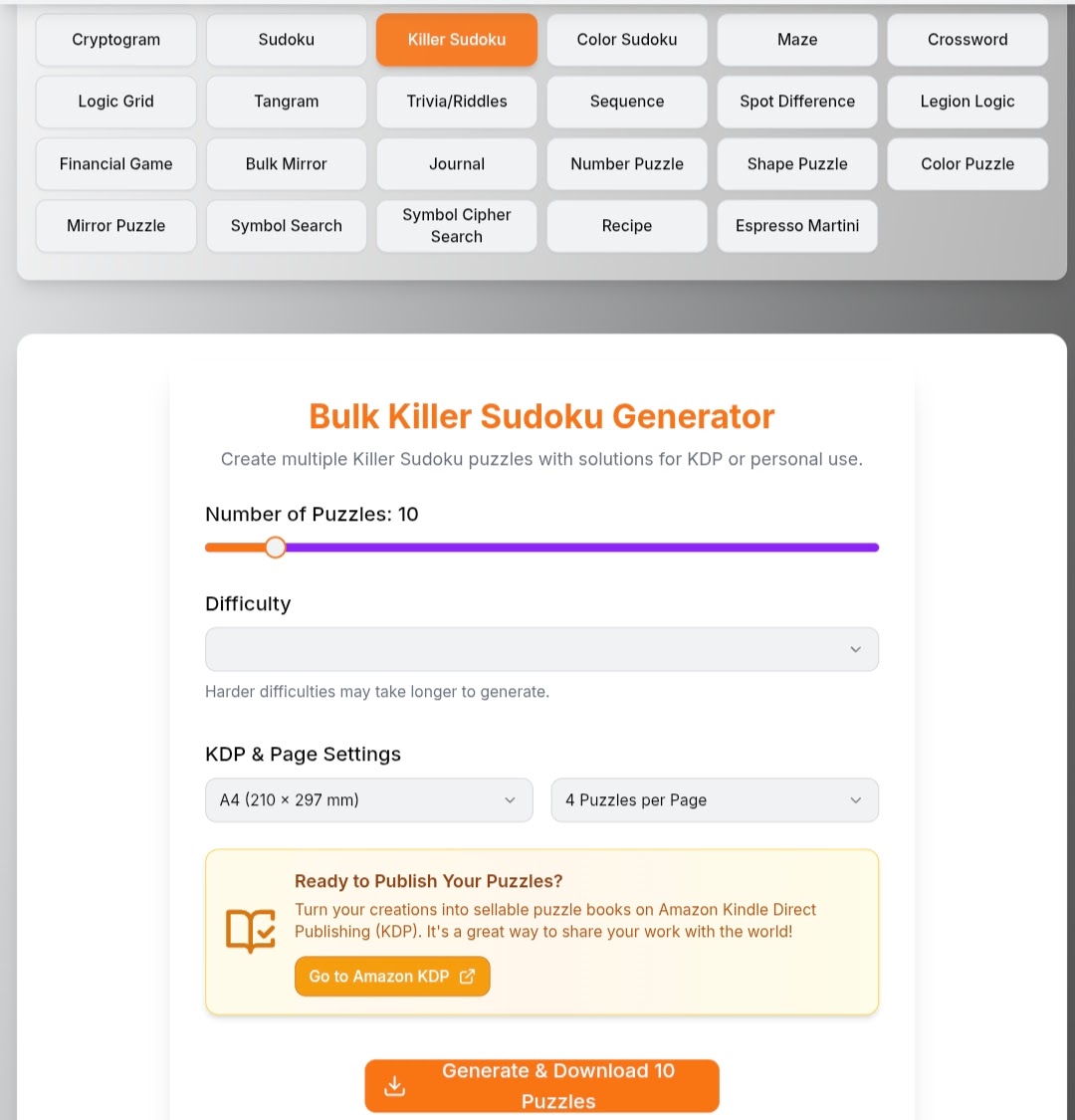
Puzzlemaker's custom puzzle maker lets you build photo jigsaws, crosswords, word searches, and more without creating an account. You get instant PDF downloads, adjustable piece counts, and templates that are ready to print at home or send to a print shop. For gift-givers who want to produce a full puzzle book, the multi-page puzzle generator lets you compile multiple puzzles into a single printable file. Every puzzle you create comes with full rights to print and share. Whether you are making one gift or a batch for a family reunion, Puzzlemaker gives you the flexibility to do it your way.
FAQ
What file format should I use for printable puzzle templates?
PDF works best for printing because it preserves dimensions and resolution. Use SVG files when cutting with a Cricut or laser cutter, since SVG files contain scalable vector paths.
How many puzzle pieces should a gift puzzle have?
Match piece count to the recipient's age and experience. Twenty-five to 50 pieces suits children and casual gift-giving; 100 to 300 pieces works well for adult puzzle fans.
Can I create printable puzzle gifts without a Cricut machine?
Yes. You can print a puzzle template on cardstock and cut it with a craft knife and ruler. The pieces will not have interlocking tabs, but the result is still a functional and personal gift.
What image resolution do I need for a photo puzzle?
Use a minimum of 300 DPI at your target print size for sharp results. Lower resolution images produce blurry prints that look unprofessional once cut.
Are there free tools to generate personalized puzzle designs?
Yes. Browser-based tools like Puzzlemaker's free generators require no login and support multiple puzzle formats including jigsaws, crosswords, and word searches.